I thought it would be fun to describe my planning progress, especially because I’ve changed things completely.
I use three things:
- 1 google calendar
- 2 an app called Tot
- 3 an A7 notebook
⠀The google calendar is a shared one with my husband. I hope to replace it with something a bit more privacy friendly soon.
Tot
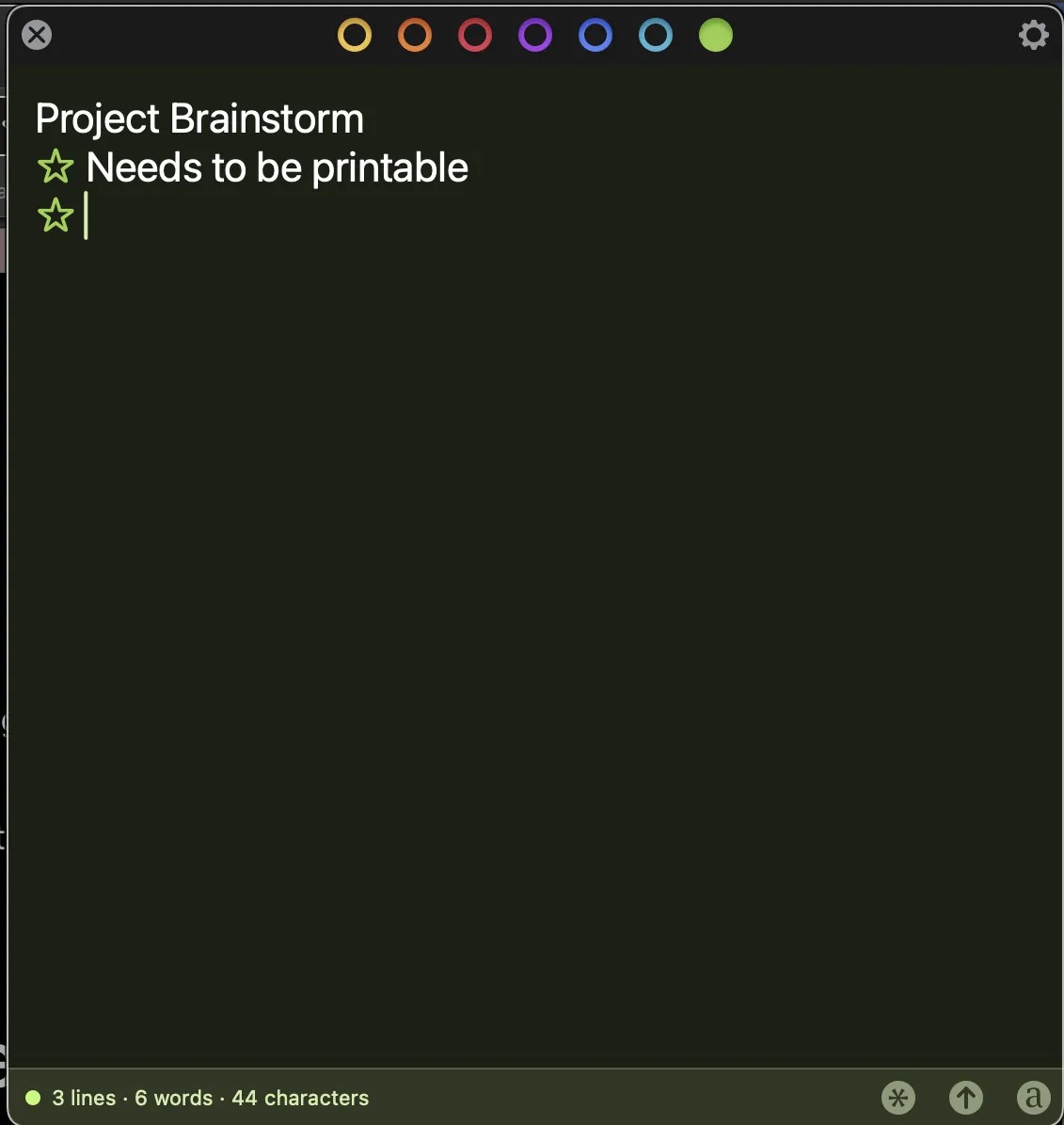
Tot (or Tot pocket on the iPhone) is an app with 7 colourful tabs. Each of my tabs have a different function, all related to planning.
Each of the coloured circles are a page.
- yellow: my idea log
- orange: my blog to do list
- red: my master to do list
- purple: my daily page, divided into categories
- blue: notes for the weeknotes post
- light blue: reading list
- green: usually blank, used for blog post drafts
⠀These are the categories for the purple tab:
- calendar (I add what is planned for that day from the google calendar)
- the one thing (the most important task of the day)
- dailies (check list for meds and such)
- other todo’s (things I can do after the one thing is finished)
- ideas (ideas I get during the day, that I will add to the yellow tab when I start a new daily post)
- 3 Good Things (the list I post on my Mastodon every morning as I close out the day before)
I share the 3 Good Things on Mastodon and then copy the things I want to keep before I reset for a new day.
My notebook
I have a spiral bound A7 notebook that I keep with me during the day. It’s basically an extension to Tot.
I usually jot down my to do list for the day in my notebook, and add my to do list to Tot, and pick the one task that’s most important.
The notebook isn’t just for lists, I usually write tiny poems or make doodles on the backs of the pages.
This way I don’t have to keep Tot open all the time and I can focus on my task at hand.
The routine
I go through all my lists every week, usually on Monday morning, and then add notes to Bear for blog post ideas I had, or add an idea I like to my daily page.
This is a wonderful way to plan, for me, it’s fun and creative, and I like how colourful Tot is (the to do dots and headers take the colour of the tab).
It also isn’t overwhelming, I usually only have the purple tab open, the rest isn’t visible unless I want it to be. And I still get to be a pen to paper gal, with my little notebook.