
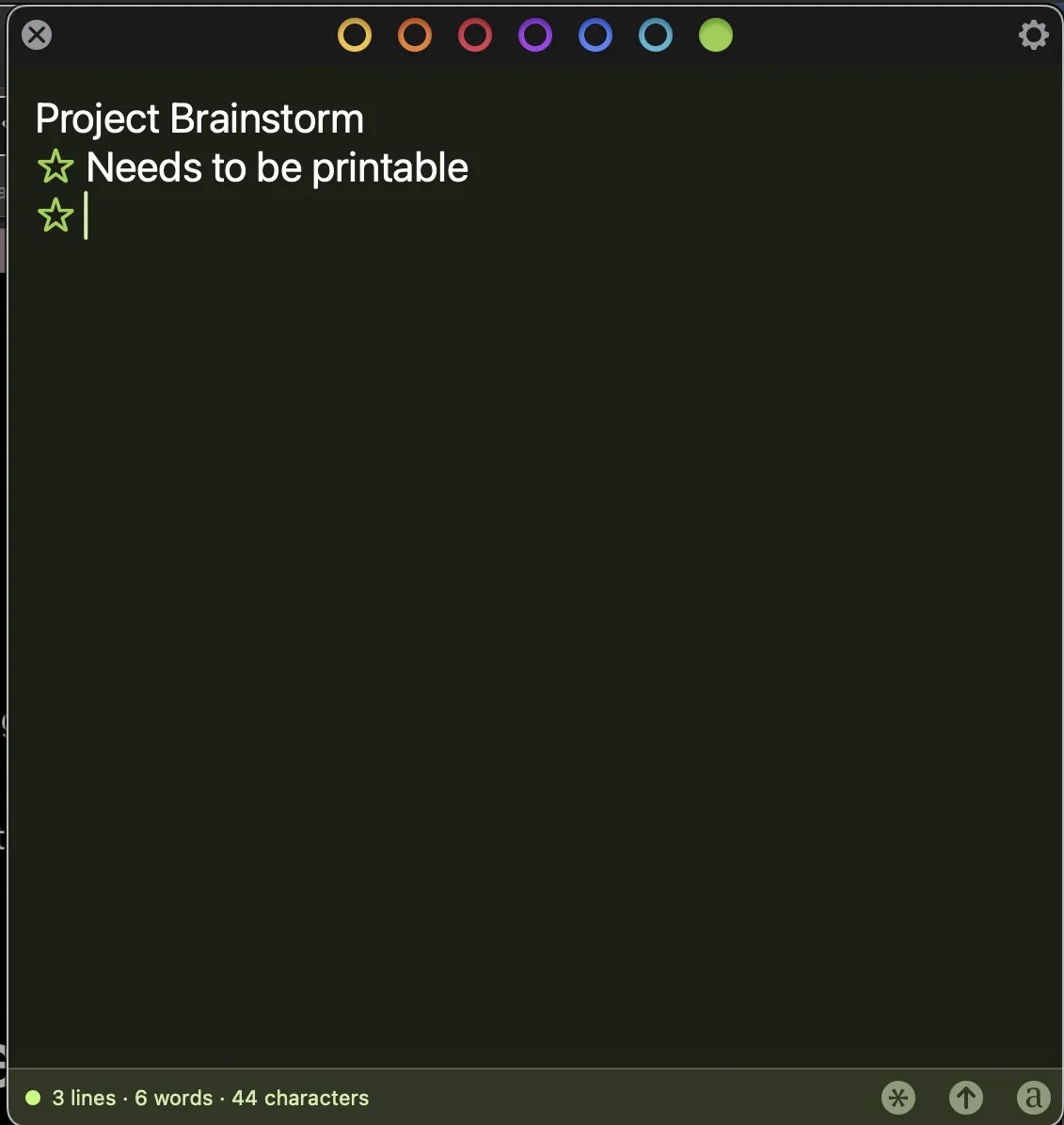
This is a totally staged screenshot of Tot. I wrote about it in yesterday's post. Then I realised I shared about it in my how I plan post but I've since made some changes, and thought it would be fun to write about that.
Tot is my only notetaking app, not my only list app, as I do use Keep to share lists with my husband, like shopping lists etc.
Here is what is behind each of the coloured circles up top.
- yellow: ideas for my blog and for short stories
- orange: my master to do list
- red: my digital commonplace book
- purple: my daily page, divided into categories: calendar, the one thing, other todos, ideas, reading and #3GoodThings. The next morning, I copy the page into my journal app and add ideas and to do items for later to the yellow and orange tabs. Then I share my 3 good things on mastodon and reset the list for the new day.
- blue: my notes tab. I just jot down everything, and delete what's no longer relevant. It's currently empty, the one note there was about writing this post, and tada.
- light blue: reading list for the current year
- green: currently blank. Used it in the past for my weeknotes, now I use it for scribbling blog post drafts, and for copy/pasty things I need on the regular, like the stars I use for my reading log.
This system has become so intuitive, because I know what each tab means and I just open tot, hit the colour I need and do what I wanted to do.
The red tab has become so essential too. I used to have my common place book in my notebooks, but finding just the quote I need in my long list is so much easier in Tot. I do intend to make one of my filofaxes a commonplace book, with categories for each tab, but that's a post for another day :)